Course photo library
Every golf course in Squabbit has a shared photo library that players build together. You can add photos of the course, the clubhouse, the scorecard, the menu, and more, so the next person who looks it up gets a real feel for the place before they arrive.
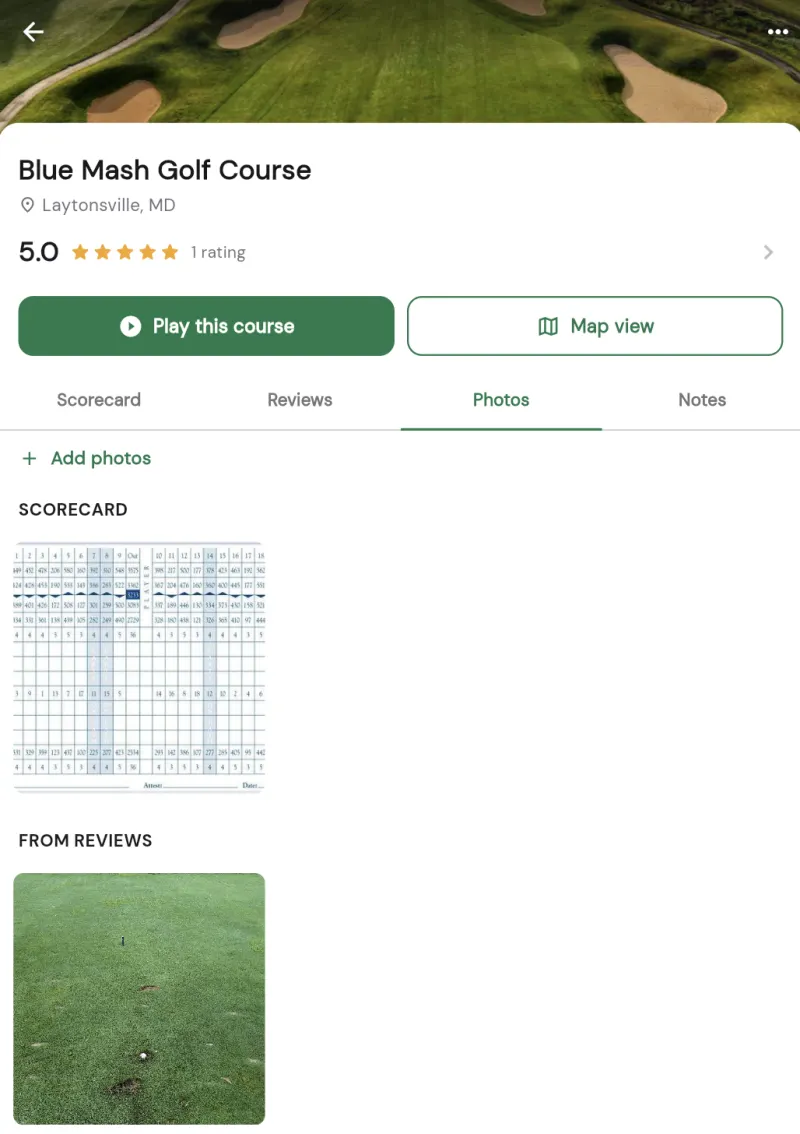
Photos are shared on the course page
The photo library lives on the course page, so every photo you add is shared with everyone who looks up that course. Photos are grouped into sections such as Course, Clubhouse, Scorecard, Menu, Prices, Range, and more, which keeps the library organized as it grows. Over time a course builds up a helpful set of photos contributed by the people who actually play there.
Adding a photo
Anyone signed in can add a photo. To add one:
- Open the course you want to add a photo to.
- Go to the course's photo library and tap Add photos.
- Take a new photo with your camera or choose one from your gallery.
- Tag it with a category (such as Course, Clubhouse, or Scorecard) so it lands in the right section. Tagging is optional, and untagged photos still appear in the library.
Once it is uploaded, your photo joins the shared library and everyone who views the course can see it.
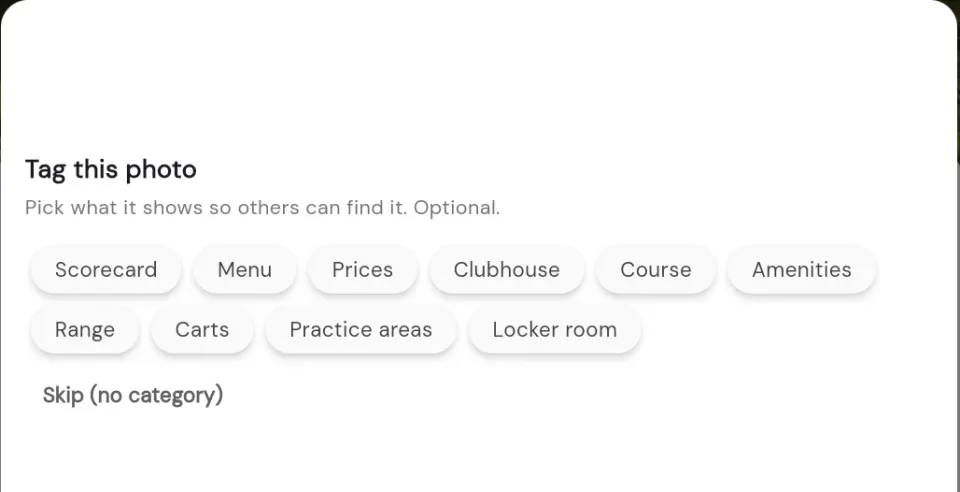
Photos are checked before they go live
To keep the library appropriate and on topic, every photo runs through an automatic AI moderation check before it is added. This happens the moment you submit a photo. If the check flags an image as inappropriate, it is not added and you'll see a short note explaining why. Photos that pass the check are uploaded and shared right away.