Registering for a Group
Whether you’re registering for a Tournament, League or Club, the process is very similar. In this guide we’ll walk you through finding and joining a group, entering scores, viewing leaderboards and using other features as a player.
Finding and joining a group
There are three ways to join a group on Squabbit:
1. Using an app link
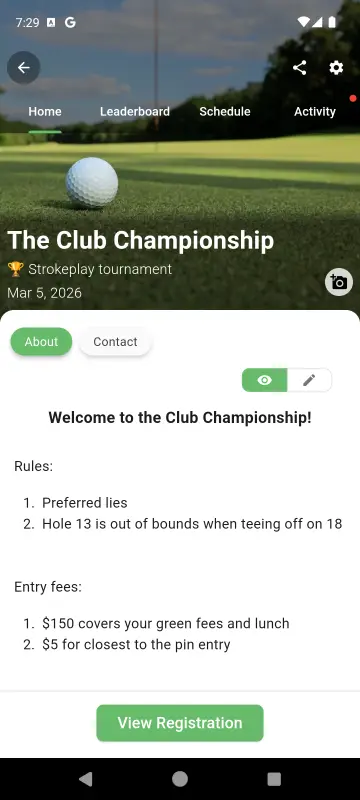
The easiest way to join a group is by tapping a link shared by the organizer. The link will look something like app.squabbitgolf.com/tournament?inviteCode=ABCDEF (or /league or /club depending on the group type). Tapping the link will open the app and take you directly to the group where you can register. If you don’t have the app installed yet, you’ll be prompted to download it first and then be taken to the group automatically.
2. Using an invite code
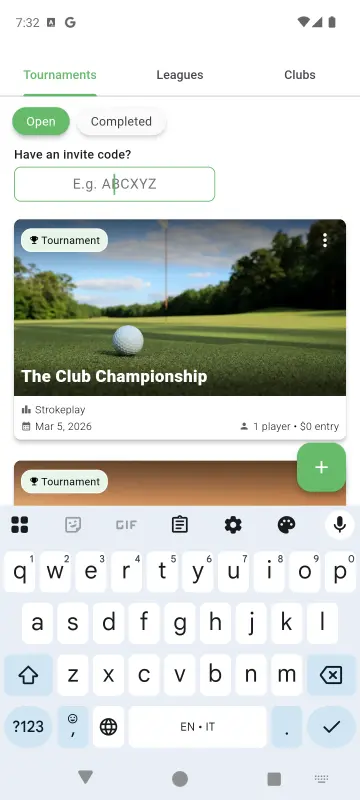
If the organizer gives you an invite code, it will be a 6 character code like ABCDEF. To use it, go to the Groups tab in the app and enter the code. This will open the group for you to register.
3. Finding public events nearby
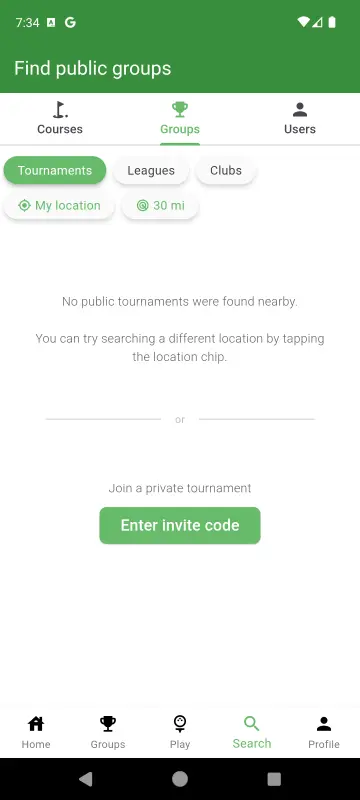
Public events can be found in the Nearby row on the home screen or by going to the Search tab and searching for events in your area.
Registering for the group
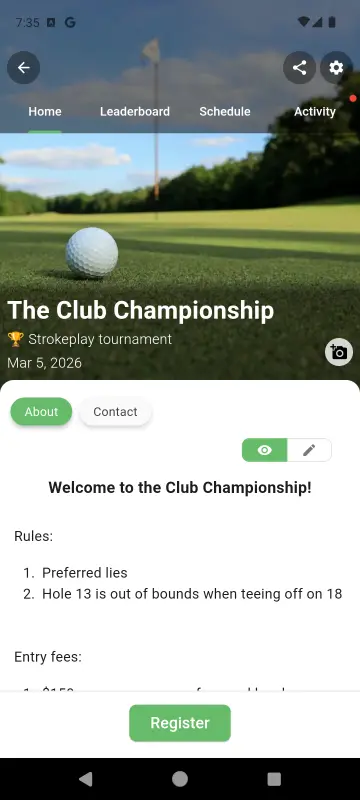
Once you’ve found your group using any of the methods above, you’ll be taken to the group’s home screen. If the admin has already added you to the group, you’re all set — no action needed. Otherwise, you’ll see a Register button. Tap it to register yourself as a player in the group.
Playing in a tournament
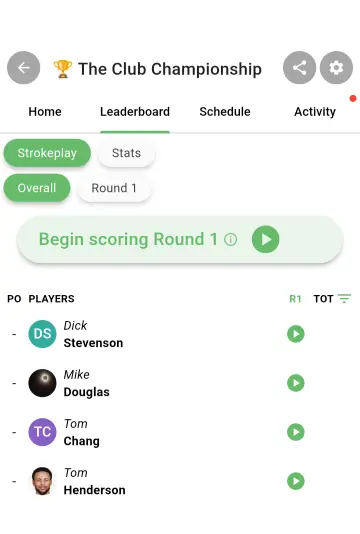
On the day of the tournament, open the tournament and navigate to the Leaderboard or Schedule tab. You will see a Begin scoring button which will open your scorecard.
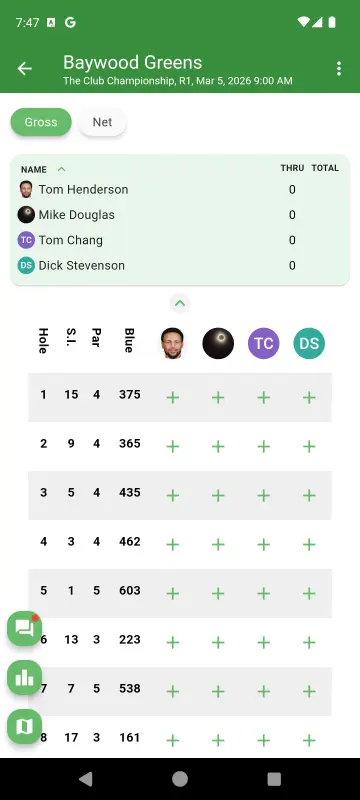
From the scorecard, tap the green + buttons to enter your hole score. After entering a score for one player, you’ll automatically be prompted to enter the score for the next player in your group.
Playing in a league
Leagues are made up of multiple events that take place over a season. Here’s how to navigate your league:
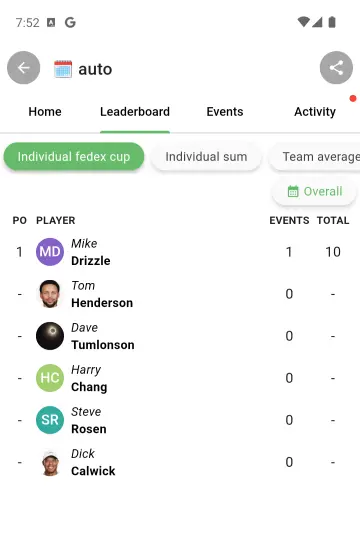
Leaderboard tab: The league leaderboard shows the overall standings across all events. You can see how you stack up against other players throughout the season.
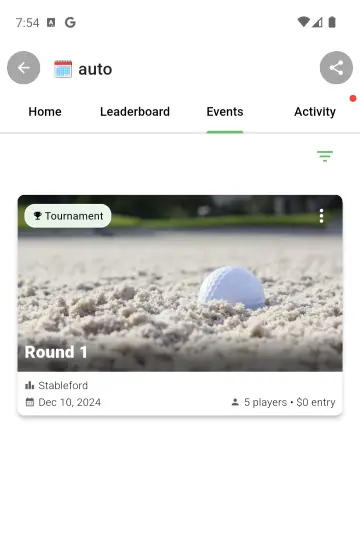
Events tab: This is where you’ll find each individual event in the league. If your league runs weekly, tap on the current week’s event to open it. Each event is a tournament, so the process of starting a round and entering scores is the same as described above.
Other features
Changing your nickname
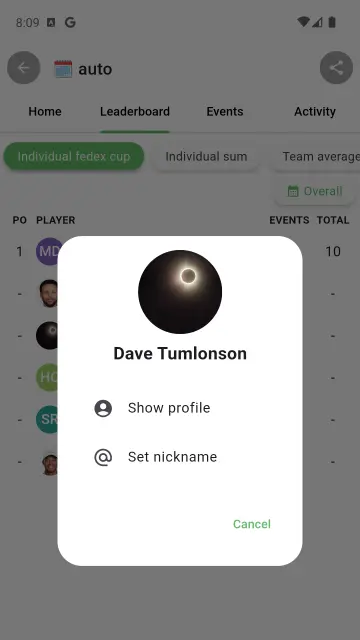
If you want to change how your name appears on the leaderboard, tap on your name in the Leaderboard tab. This will let you update your nickname for that group.
Activity tab
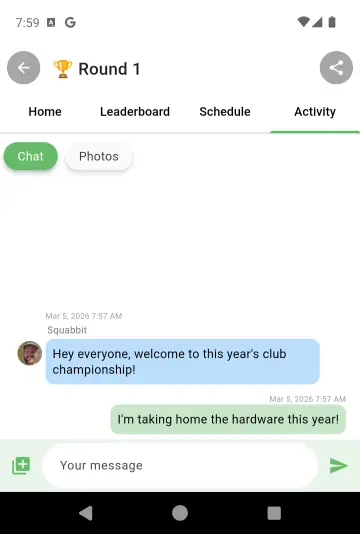
The Activity tab is the social hub of your group. You can use it to send messages to everyone in the group and upload photos. You’ll also see notifications here, like when the leaderboard changes or someone makes a birdie.
Start Playing!
That covers the basics of joining and playing in a group on Squabbit. If you get stuck or want to request a new feature, use the Help menu in the app.
Enjoy!